Skip to content

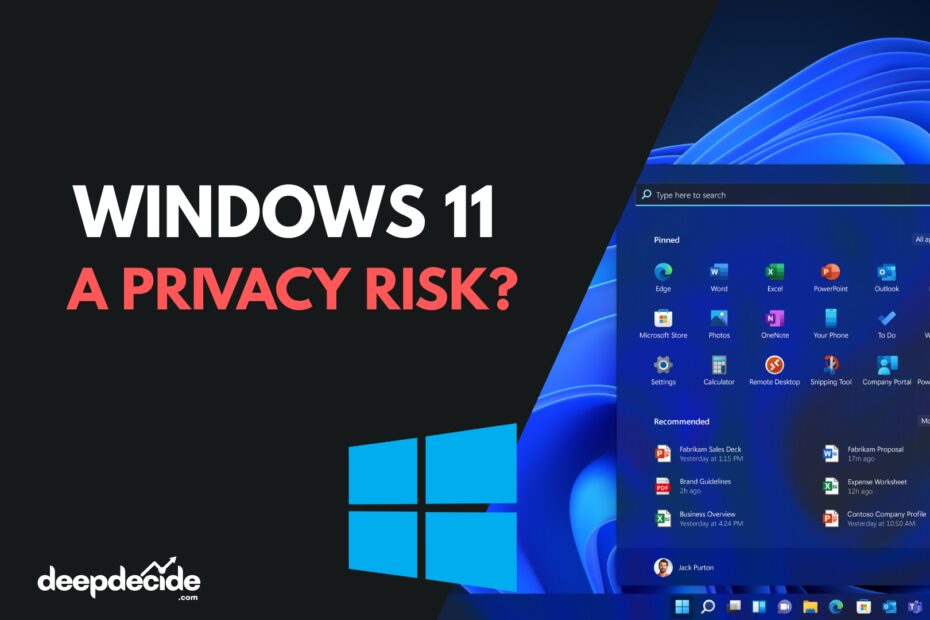
Is Windows 11 a Privacy Risk? Experts Say Remain on Windows 10 or Switch to Linux

    Is Windows 11 a Privacy Risk Experts Say Remain on Windows 10 or Switch to Linux

    Last Updated on: 26th February 2026, 08:14 pm

    Windows 11 Privacy Warning – Stay on Windows 10?

    A growing debate around privacy in modern operating systems has taken a sharper turn. The Centre for Digital Rights and Democracy is now warning users to think twice before upgrading to Windows 11.

    ⚠️
    PRIVACY ALERT: Experts recommend staying on Windows 10

    Instead, the group recommends staying on Windows 10 for as long as security updates are still available. And after that, they suggest considering alternatives like Linux.

    This warning has caught attention across tech communities and privacy forums.

    PRIVACY RISKHIGH
    WINDOWS 10 SUPPORT2026
    LINUX ADOPTION↑32%

    Why Are Experts Concerned?

    The main issue revolves around Microsoft’s AI-powered feature called Recall.

    Recall is designed to automatically record and save snapshots of your screen activity. It helps users search past actions and content more easily.

    But privacy experts argue this could create serious risks.

    According to the Centre for Digital Rights and Democracy, the feature may unintentionally capture:

    🔑
    Passwords
    💳
    Banking information
    💬
    Private messages
    🏥
    Medical records
    💼
    Confidential business data

    Even if the tool is meant to be helpful, storing that much personal data continuously creates new exposure points.

    🔒 GDPR CONCERNS

    Continuous background recording of screen content could potentially conflict with privacy principles such as data minimization, purpose limitation, and user consent clarity.

    Possible GDPR Concerns

    Another concern raised by experts is compliance with data protection regulations like GDPR.

    Continuous background recording of screen content could potentially conflict with privacy principles such as:

    📉
    Data minimization
    🎯
    Purpose limitation
    📋
    User consent clarity

    If sensitive information is recorded automatically, users might not fully understand what is being stored.

    That creates legal and ethical grey areas.

    Why Stay on Windows 10?

    Windows 10 is still receiving security updates until October 2026.

    Experts say that for privacy-focused users, staying on Windows 10 during this support window may be the safer option.

    It does not include some of the newer AI-driven tracking features found in Windows 11.

    This gives users more control and fewer background AI processes collecting behavioral data.

    2026
    Windows 10 Support Ends
    October 2025 is the official end-of-support date

    Should You Switch to Linux?

    After Windows 10 support ends, the experts recommend considering Linux.

    Linux distributions are open source, which means their code can be publicly reviewed. This often increases transparency and user control.

    However, switching operating systems depends on:

    💻
    Software compatibility
    👔
    Work requirements
    📚
    Technical comfort level

    Linux is powerful, but it may require some learning for beginners.

    Popular Linux distributions for beginners: Ubuntu, Linux Mint, and Pop!_OS offer user-friendly experiences similar to Windows.

    FAQs

    1. What is the main privacy concern with Windows 11?
    The Recall feature that automatically captures screen snapshots could accidentally record sensitive information like passwords and banking details.
    2. Is Windows 10 safer than Windows 11 for privacy?
    Currently yes, Windows 10 lacks some of the newer AI-driven tracking features found in Windows 11.
    3. How long will Windows 10 be supported?
    Windows 10 will receive security updates until October 2026.
    4. What is the Recall feature?
    It’s an AI-powered tool in Windows 11 that automatically records and saves snapshots of your screen activity for easy searching later.
    5. Can Recall capture my passwords?
    Privacy experts warn that it may unintentionally capture sensitive information including passwords if they appear on screen.
    6. Does Windows 11 violate GDPR?
    Experts suggest the automatic recording feature could conflict with GDPR principles like data minimization and user consent clarity.
    7. Should I switch to Linux after Windows 10?
    It depends on your software needs and technical comfort level, but Linux offers better privacy and transparency.
    8. Is Linux difficult for beginners?
    Modern distributions like Ubuntu are quite user-friendly, though there is still a learning curve from Windows.
    9. Can I disable Recall in Windows 11?
    You may be able to adjust settings, but the feature’s background processes may still collect data.
    10. Who issued this privacy warning?
    The Centre for Digital Rights and Democracy, a group focused on digital privacy and rights.

    Final Thoughts

    The debate around Windows 11 is not just about performance or design. It is about privacy, AI integration, and how much data users are comfortable sharing.

    If privacy is your top priority, staying on Windows 10 for now may be a reasonable choice. And as always, understanding the features you enable is the first step to protecting your digital life.
    Share this post on social!

    Comment on Post

    Your email address will not be published. Required fields are marked *